
The Match Report
The Match Report
Plain-English guides on room size, launch monitors, projectors, screens, calibration and care, written to be read in a few minutes.

 Care and CalibrationA Simple Care Routine for the Whole RoomA few minutes each month keeps the room playing like new.
 Care and CalibrationCalibration Basics: Why the Numbers Drift and How to Fix ThemA launch monitor that is slightly off can feel wrong in ways you cannot name. Learn the common causes.
 Programs and VenuesRunning Qualifiers and Leagues in Your Simulator RoomQualifiers settle lineups and leagues keep bays busy. Here is how to set them up.
 Programs and VenuesSetting Up a Golf Team Practice Room: Ten Questions to Answer FirstBefore you buy a monitor or book a room, these questions shape the whole project for a college, school or club team.
 Scouting the SpaceStarter, Step-Up, Full Build: How to Phase the BudgetA simulator can grow with you. Learn how to phase the build so each step leaves a working room.
 Scouting the SpaceGarage, Basement or Bonus Room: Which One Wins?Each space has strengths and quirks. Compare the three common choices before you commit.
 Build and InstallLight the Room, Not the ScreenStray light washes out a projected picture. Plan lighting in layers so the room feels welcoming and the screen stays rich.
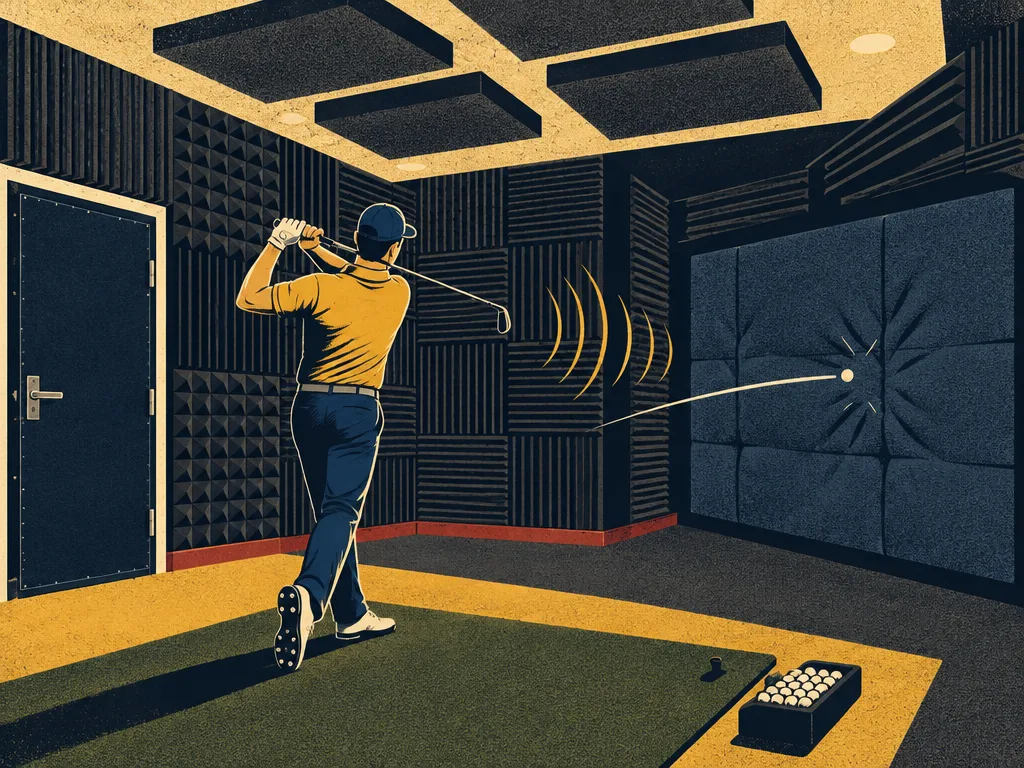 Build and InstallQuiet the Thump: Sound Control for a Practice RoomImpact makes noise and hard rooms make it louder. Learn the four ideas that keep the sound down.
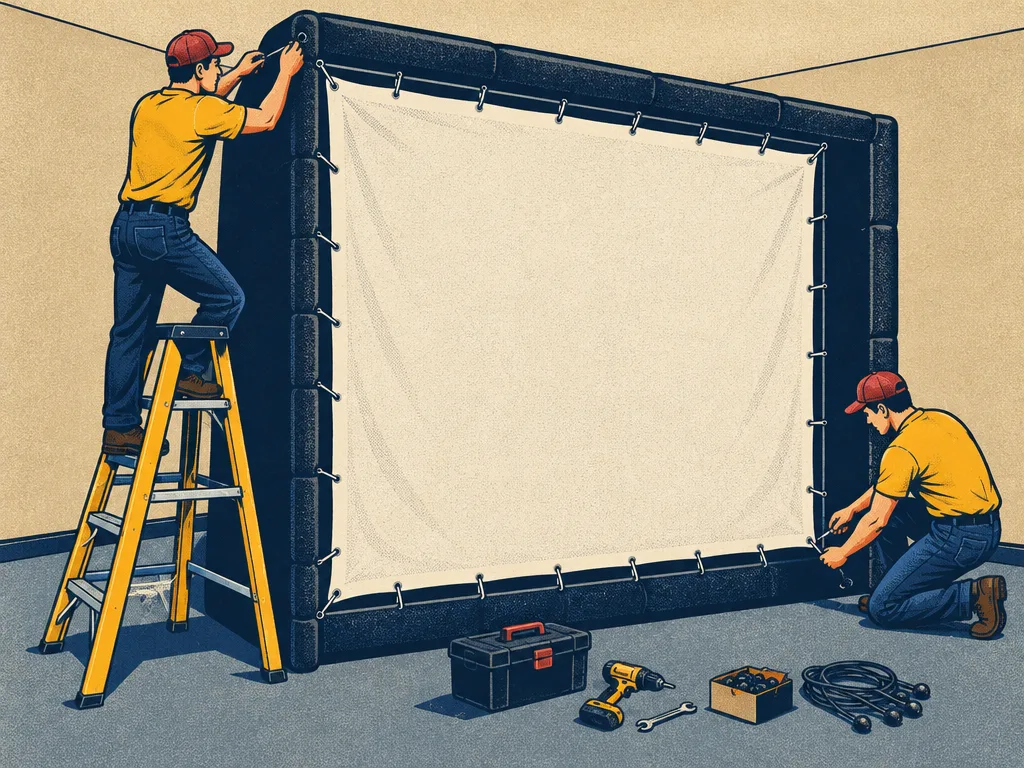 Build and InstallImpact Screens and Enclosures: What Keeps Everyone SafeThe screen takes the shot and shows the picture. Here is how screens and enclosures work together.
 EquipmentProjector Throw Explained in Plain EnglishThrow ratio sounds technical but the idea is easy. Work out where your projector goes in a few steps.
 EquipmentRadar, Camera or Overhead: Picking the Right Launch MonitorLaunch monitors read a swing in different ways. Learn how they differ and which suits your room.
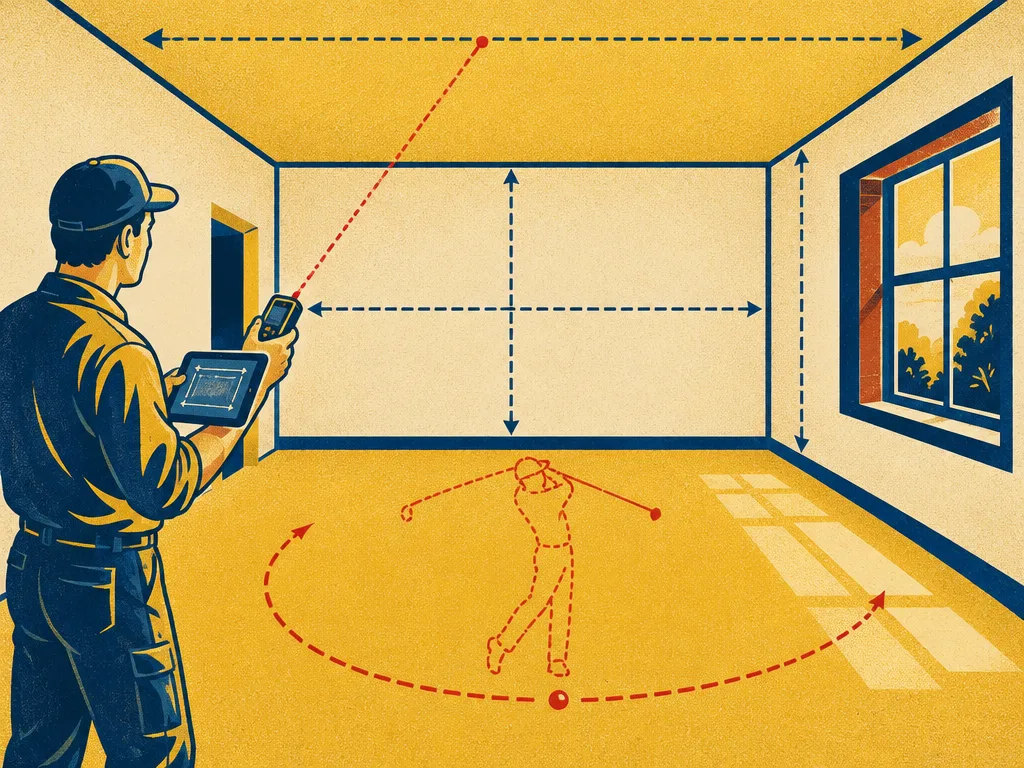 Scouting the SpaceScout Your Room Before You Buy a SimulatorThree measurements decide whether a simulator fits: ceiling, width and depth. Here is how to take them and what they mean.
Have a question that is not here?
Ask us. We turn good questions into guides.