
Support Staff
Simulator Maintenance and Tune-Ups
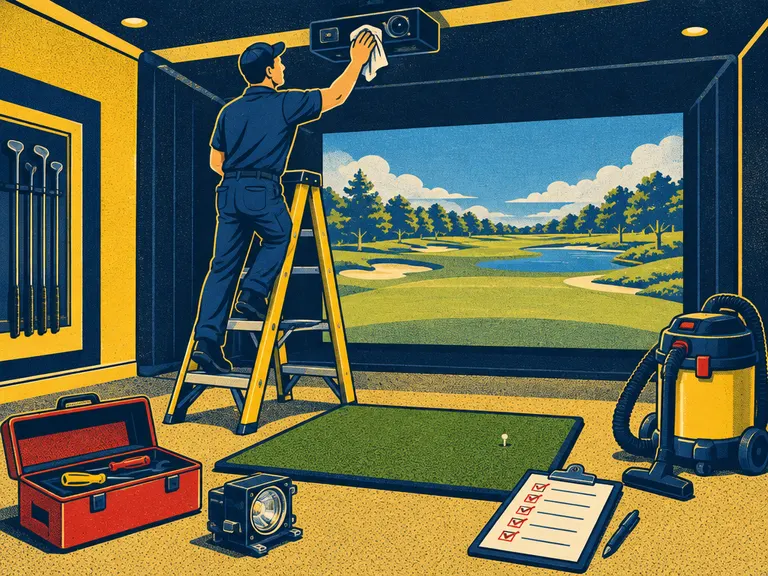
Rooms drift. Screens loosen, lenses gather dust, cables wear and software ages. We visit on a schedule, clean, check and adjust, so every session starts with a room that plays like the day it was finished.
- VisitsSeasonal, yearly or on demand
- ChecksScreen, mounts, lens, cables, mat
- IncludesCleaning, calibration, updates
- Pairs well withCalibration and remote help
What you get
What is included
- 1A checklist visitWe follow the same list every time so nothing is missed.
- 2Clean and tightenLenses are cleaned and screens and mounts are checked.
- 3Calibrated againAlignment is confirmed and corrected.
- 4A written noteYou get a short report on what we found and fixed.
The game plan
From the first call to the first drive
- 1Set the scheduleWe pick a rhythm that suits your use.
- 2Visit and checkThe room is inspected and cleaned.
- 3Adjust and testAlignment and software are tuned.
- 4Report and planYou get a summary and advice.
Good fit when
Is this the right fit for you?
- The room is used often
- You run a business with guests
- You notice drift in the readings
- You want peace of mind
Questions
Common questions
How often should a room be serviced?
Homes often do well with one visit a year. Busy venues and team rooms may want one each season.
What do you check?
We check screen tension, mounts, lens, cables, mat, computer and alignment.
Teammates
Services that play well with this one
 Launch Monitor CalibrationAlignment and test shots so the numbers match what the ball does.See the service
 Remote Support and Software UpdatesUpdates, backups and quick remote help so the room never waits on you.See the service
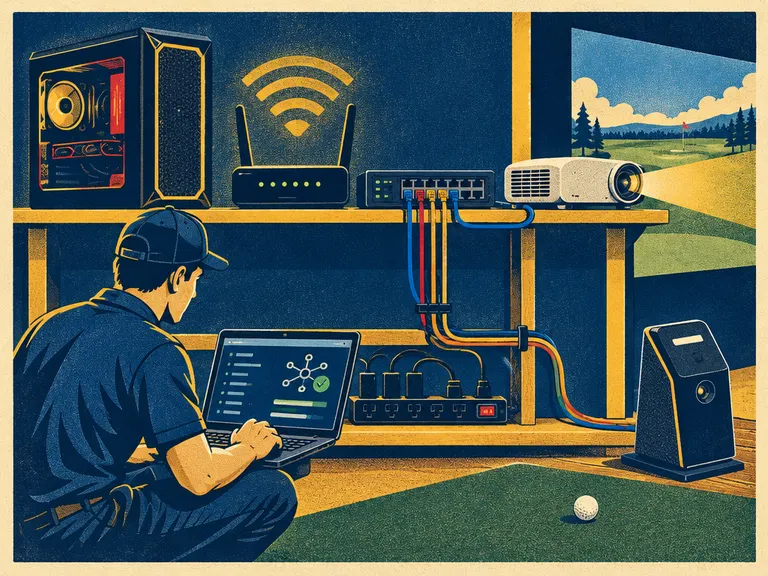 Troubleshooting and RepairFind the fault, fix it and make the room reliable again.See the service
Home field
Find your city on the schedule
Pick your city to see local conditions and the services people ask for most.
Ready to run the play?
Call or text, or send the form. Tell us about your room and we will tell you how we would handle it.