
Support Staff
Troubleshooting and Repair
When something stops, you want it back fast. We troubleshoot by phone or screen where we can and visit when we must, then fix, replace or reroute until the room works and the cause is clear.
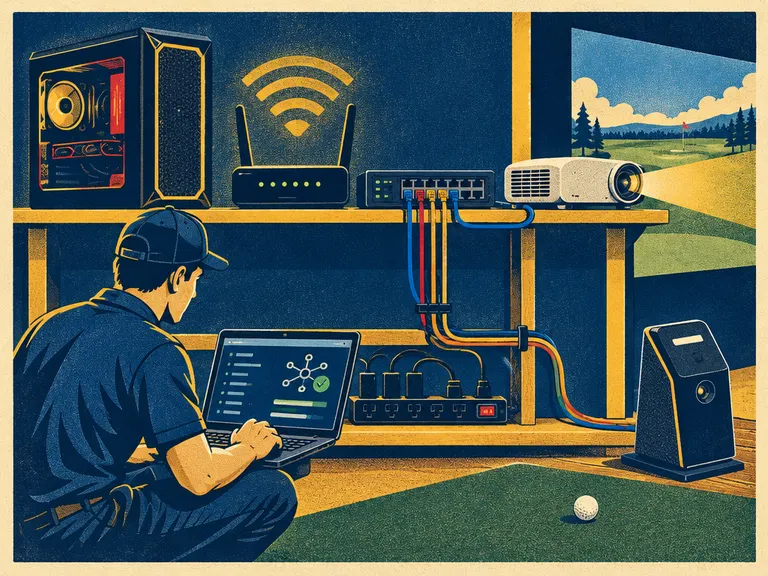
- CoversMonitors, projectors, screens, computers, cables
- MethodsPhone, remote, on-site
- IncludesParts and labor options
- Pairs well withMaintenance
What you get
What is included
- 1A calm diagnosisWe narrow the cause step by step.
- 2Remote firstMany issues can be fixed through a call or a screen share.
- 3On-site when neededWe visit with parts and tools.
- 4A lasting fixWe explain the cause so it does not return.
The game plan
From the first call to the first drive
- 1Describe the issueYou tell us what happens and when.
- 2Test remotelyWe try fixes by phone or remote access.
- 3Visit if neededWe bring parts and tools to the room.
- 4Confirm and explainWe test the room and explain the cause.
Good fit when
Is this the right fit for you?
- A screen is blank or crooked
- The monitor stops reading
- The software freezes
- Something rattles, hums or smells wrong
Questions
Common questions
Can you fix it over the phone?
Often yes. Many issues are settings, cables or software. We start there before sending anyone.
Do you repair other installers' rooms?
Yes. We service systems built by others and tell you honestly what we find.
Teammates
Services that play well with this one
 Remote Support and Software UpdatesUpdates, backups and quick remote help so the room never waits on you.See the service
 Launch Monitor CalibrationAlignment and test shots so the numbers match what the ball does.See the service
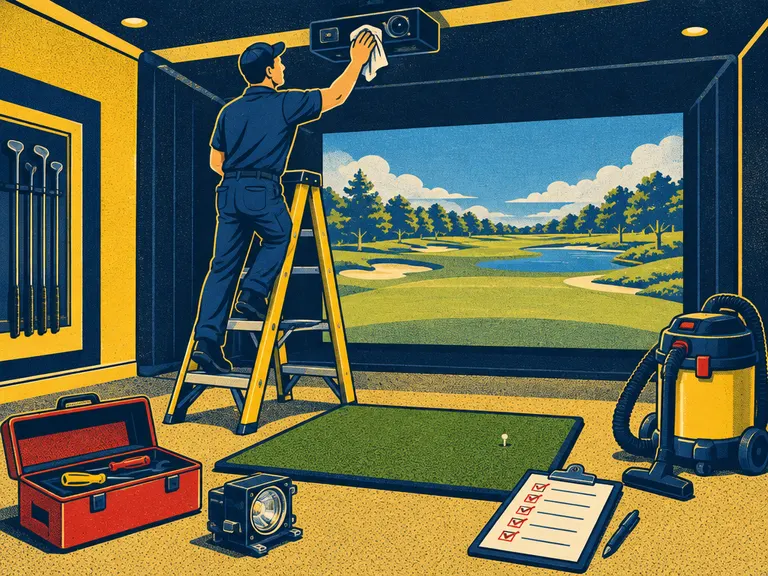 Simulator Maintenance and Tune-UpsScheduled checkups that keep the picture, the data and the room in top shape.See the service
Home field
Find your city on the schedule
Pick your city to see local conditions and the services people ask for most.
Ready to run the play?
Call or text, or send the form. Tell us about your room and we will tell you how we would handle it.