
Free tool
Game Day Checklist
Tick off what to prepare before the crew arrives and save the list with your request.
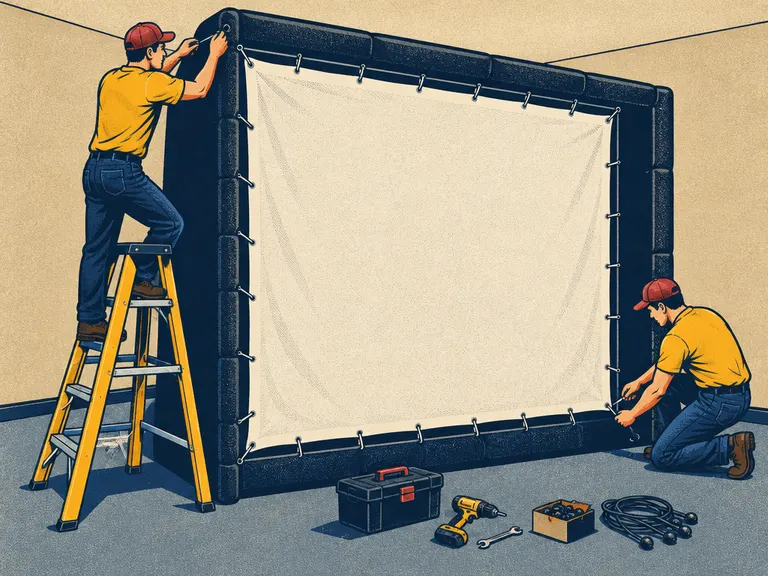
0%ready
Tick what is done. Unchecked items are what we can help with.
Saved. It will travel with your request below.
A planning aid, not an inspection. We walk the room with you on the day and adjust the plan as needed.
How to use it
Three quick steps
- 1Tick what is doneRoom, power, network, access and safety.
- 2See what is leftUnchecked items collect in a to-do list.
- 3Save or printSend it to the form or print it.
Questions
About the game day checklist
Do I have to finish everything?
No. The list is a guide. We can help with whatever is left on the day.
Why does power matter?
The projector, the launch monitor and the computer all need steady power, and good outlet locations keep cables tidy.
Should I clear the room?
Yes, as much as you can. A clear room speeds up the work and protects your things.
Next step
Services that go with this tool
 Home Golf Simulator InstallationA complete simulator planned, installed and calibrated in a room of your home.See the service
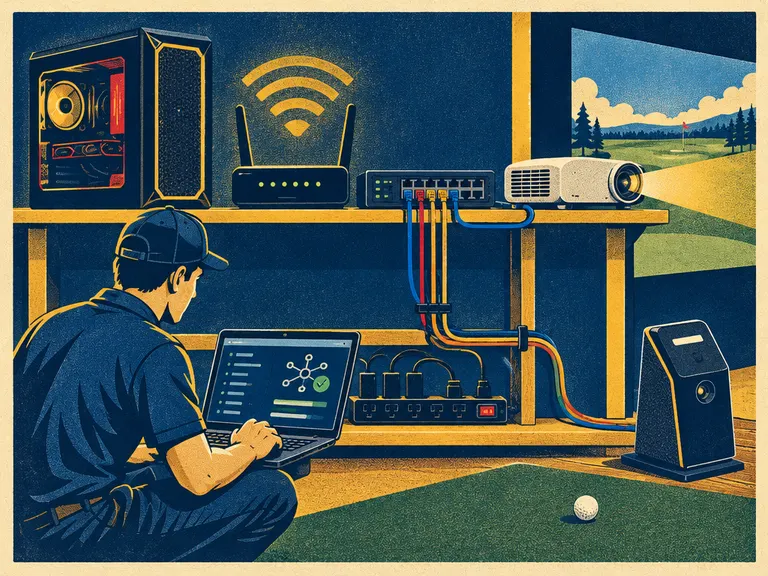 Simulator Computer and Network SetupA computer sized for the software, with a wired network that never stutters.See the service
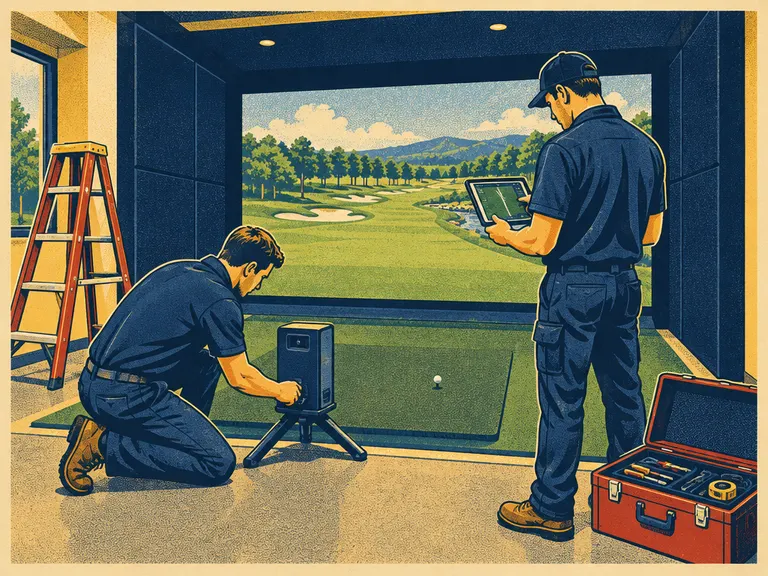 Player Onboarding and LessonsA friendly first round, a quick guide and tools to keep improving.See the service
Ready to plan your room?
Call or text, or send the form. Tell us about your space and we will tell you how we would build it.